

Gift Registry

YOUR REGISTRY BENEFITS

VISIT OUR MELBOURNE SHOWROOMS
Experience our large Melbourne showroom where you can see, feel and test products in person — with access to both Baby Little Planet & Kiddie Country locations.

PERSONALISED EXPERT GUIDANCE
Experience one-on-one guidance from our experts across prams, car seats and nursery essentials — tailored to your needs.

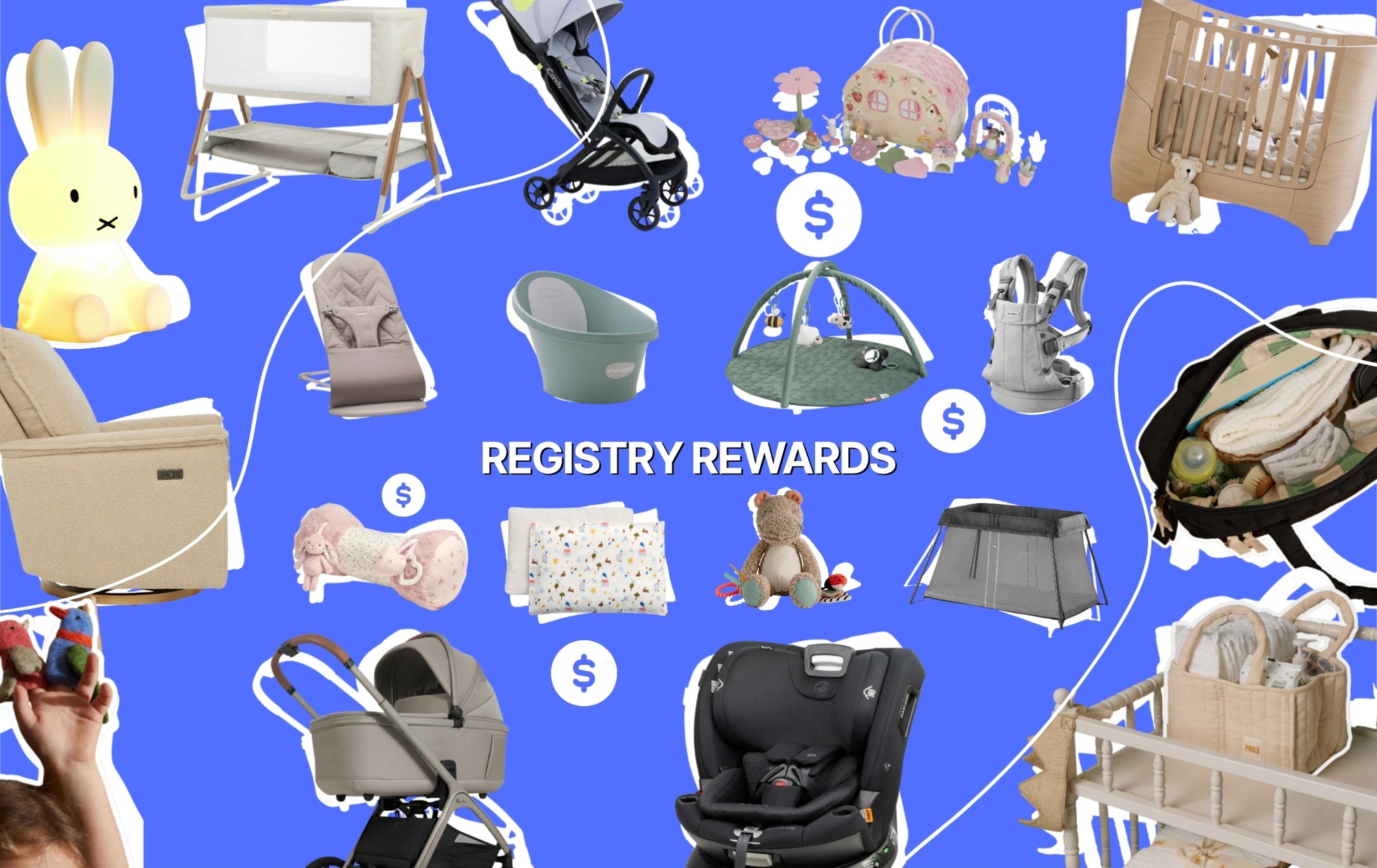
REGISTRY REWARDS
More gifts, more rewards — enjoy up to 10% off remaining items.*

SHOP YOUR WAY
Access your registry online or in-store for a seamless experience.


Frequently Asked Questions
-
Click the Create button above to set up your registry. Create an account, add a partner, enter the event date, and choose pickup and delivery options. To add products, browse the Baby Little Planet website and click the Add To Registry button below the Add To Cart button. Learn More
-
After setting up your registry, you can share it via a link or email guests directly from the registry page. Guests can also search for your registry using your name.
-
When creating your registry online, select the "I'd like to have my items shipped" option. You can choose a different delivery address after your event date, such as a friend or family member's address. Important: Make sure gift purchasers use the gift registry checkout button below the gift message section to ensure your address details are automatically filled in at checkout.
-
Yes, you can. When creating your registry online, choose the option "I'd like to pick up my registry items in store." Your gifts will be set aside until you collect them.
-
Yes, you can! When creating your registry, select the option 'I’d like to pick up my registry items in-store.' Your gifts will be held until your chosen collection date. A member of the BLP team will contact you to arrange delivery for a shipping fee.
-
You will receive an email notification each time someone buys a gift from your registry!